

The Make Me Admin tool is a windows utility that lets standard user accounts temporarily gain local administrator rights on a computer for up to 30 minutes. This allows you to install (or remove) software and drivers on your device with local administrator rights. The App will remove your admin rights automatically when time runs out.
Installing and Opening the App
- Please note: When on campus, your laptop must be connected to the Niagara college network to use this tool. If you are off campus, you must first connect via our Global Protect VPN to use this tool.
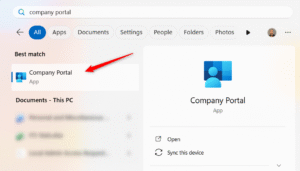
- Open the Start menu, type Company Portal, and select it.
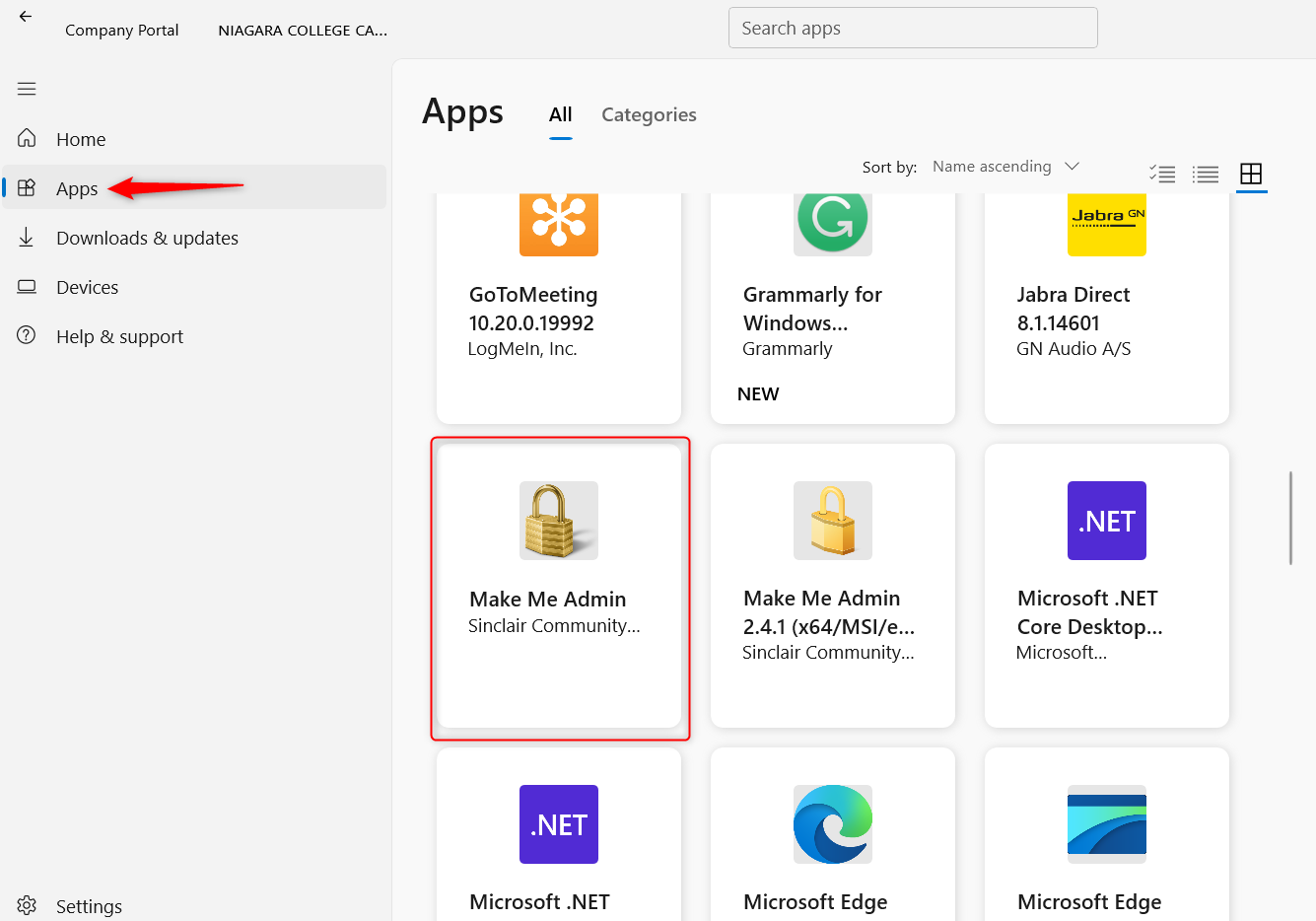
- Select the Apps tab and scroll to the Make Me Admin tool. Select the tool and then select Install.
- If you already have it installed, the only choice will be Uninstall.
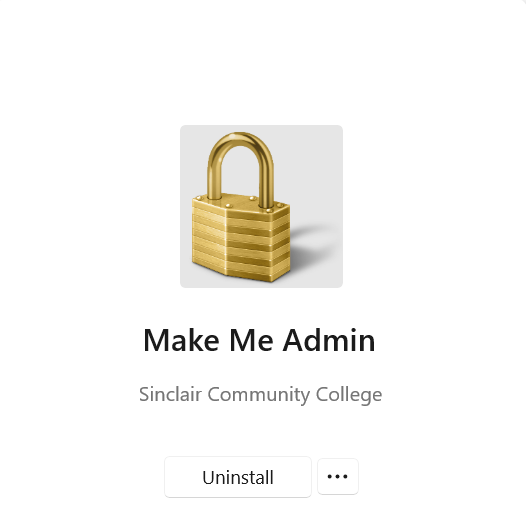
- Once the Make Me Admin tool is installed, you don’t need to return to the Company Portal again. You can simply run the Make Me Admin tool from your start menu.
- To run the Make Me Admin tool, open the Start menu, type Make Me Admin, and select the App.
If you require assistance with any of these steps, please contact the Niagara College IT Service Desk at 1-905-735-2211 ext. 7642. We are available Monday-Friday 8:30am-4:30pm EST (Eastern Standard Time).